Cheap vs Premium Desk Setup: What’s Actually Worth Paying For?
Most people waste money on desk setups by upgrading the wrong things. The truth: only 2–3 components actually justify premium pricing. Everything else has diminishing returns. This guide shows exactly what’s worth paying for, what isn’t, and how to decide based on your usage, budget, and comfort needs.
Who a Cheap vs Premium Desk Setup Is Actually For
A Cheap Desk Setup Makes Sense If You:
- Work less than 3–4 hours per day
- Use a laptop or single lightweight monitor
- Have a total setup budget under $500
- Don’t use monitor arms or heavy equipment
- Prioritize affordability over long-term durability
A Premium Desk Setup Is Worth It If You:
- Work 6+ hours per day at your desk
- Use dual monitors or an ultrawide display
- Plan to use monitor arms or heavy accessories
- Care about posture, comfort, and long-term health
- Want a setup that lasts for many years
Realistic Price Ranges for Desk Setups
Budget Setup
$300 – $600
- Basic desk with limited stability
- Entry-level chair with minimal adjustability
- Simple accessories and lighting
Best for short sessions, light setups, or tight budgets.
Mid-Range Setup
$700 – $1,200
- Sturdier desk with better weight support
- Comfortable ergonomic chair
- Adjustable monitor arms and lighting
The best value for most people working daily.
Premium Setup
$1,500+
- High-stability desk built for heavy use
- Fully adjustable ergonomic chair
- Long-lasting materials and components
Worth it for long hours, dual monitors, and long-term health.
Cheap vs Premium Desk Setup Comparison
| Category | Cheap | Premium | Verdict |
|---|---|---|---|
| Desk | Light build, limited stability | Thick top, rigid frame | Premium if using monitor arms |
| Chair | Limited support | Full adjustability | Premium is worth it |
| Monitor & Accessories | Basic but functional | Smoother adjustments | Cheap is fine |
| Aesthetics | Plain finishes | Premium materials | Personal preference |
| Durability | Shorter lifespan | Built to last | Premium long-term |
Desk: Stability vs Surface Quality
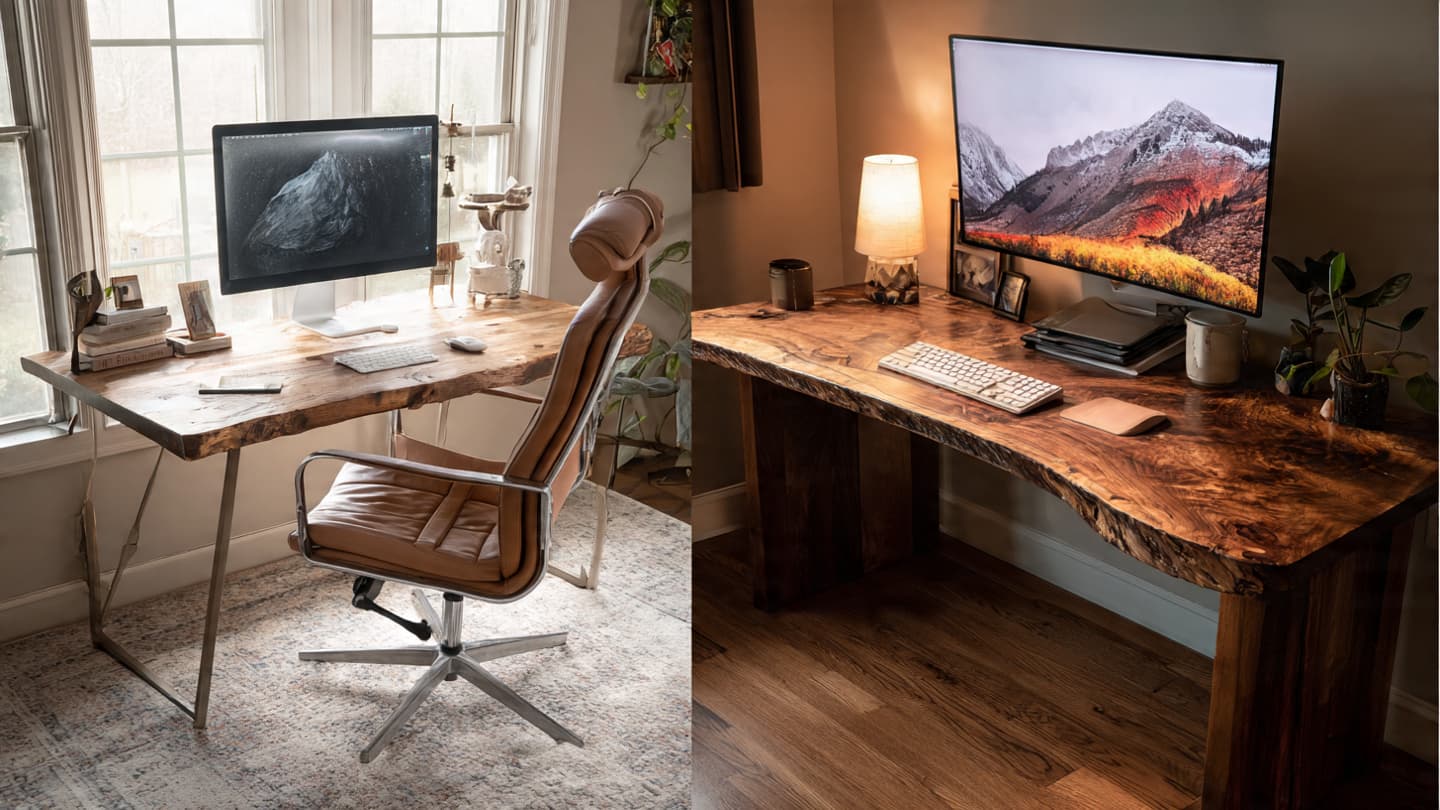
Cheap desks often prioritize looks over structure. Common issues include wobble, thin tabletops, and weak joints — especially noticeable when typing or using monitor arms.
Premium desks invest in better materials and tighter tolerances. The real upgrade isn’t appearance — it’s stability.
What to look for: tabletop thickness, frame construction, weight capacity, and flex under pressure.
Chair: Where Premium Actually Matters
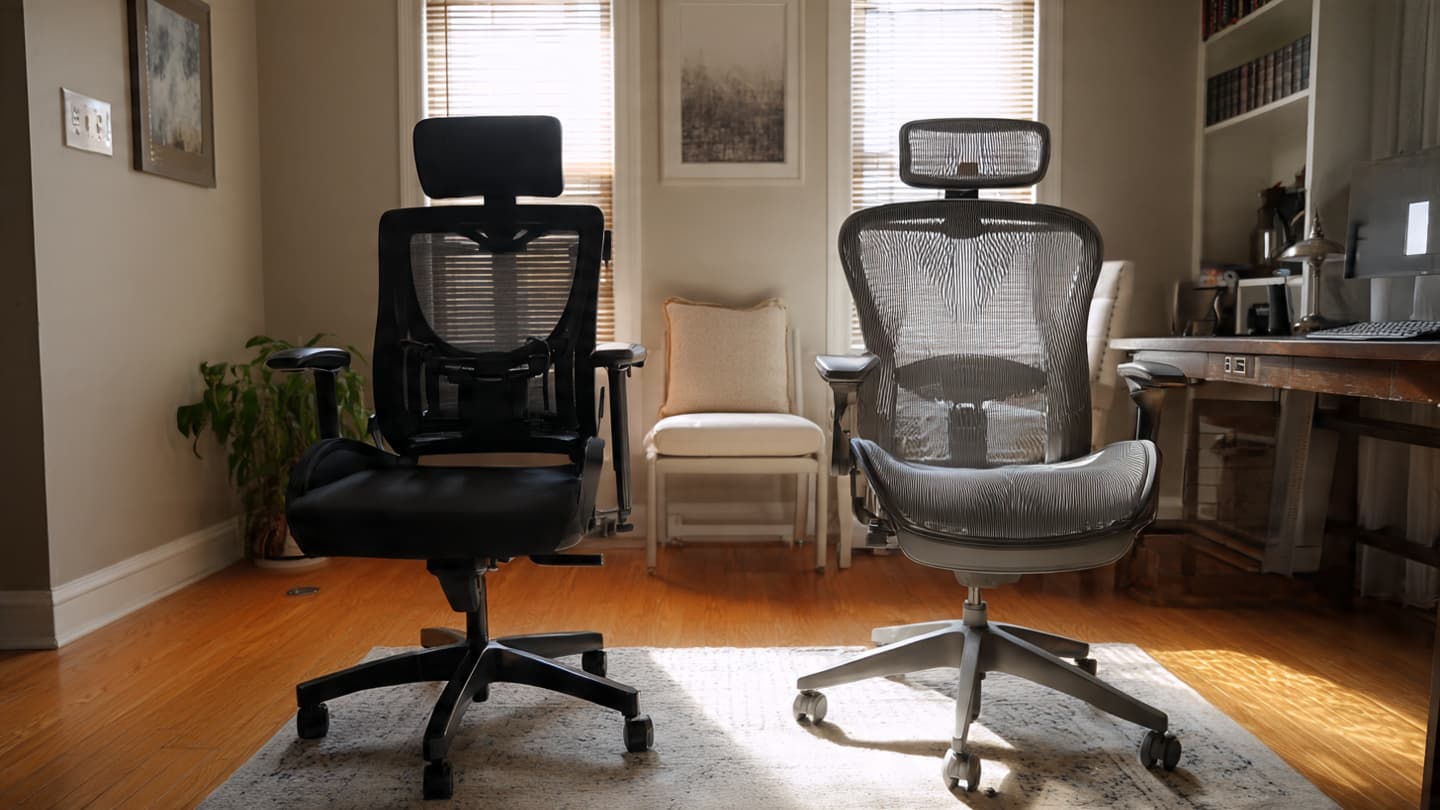
Chairs are where budget options fail fastest. Cheap chairs often look fine but lack lumbar support, adjustability, and durable materials.
Premium chairs justify their price through adjustability — seat depth, arm height, lumbar positioning, and recline tension matter.
Rule of thumb: If you upgrade one thing, make it your chair.
Accessories: Cheap Wins More Often Than You Think
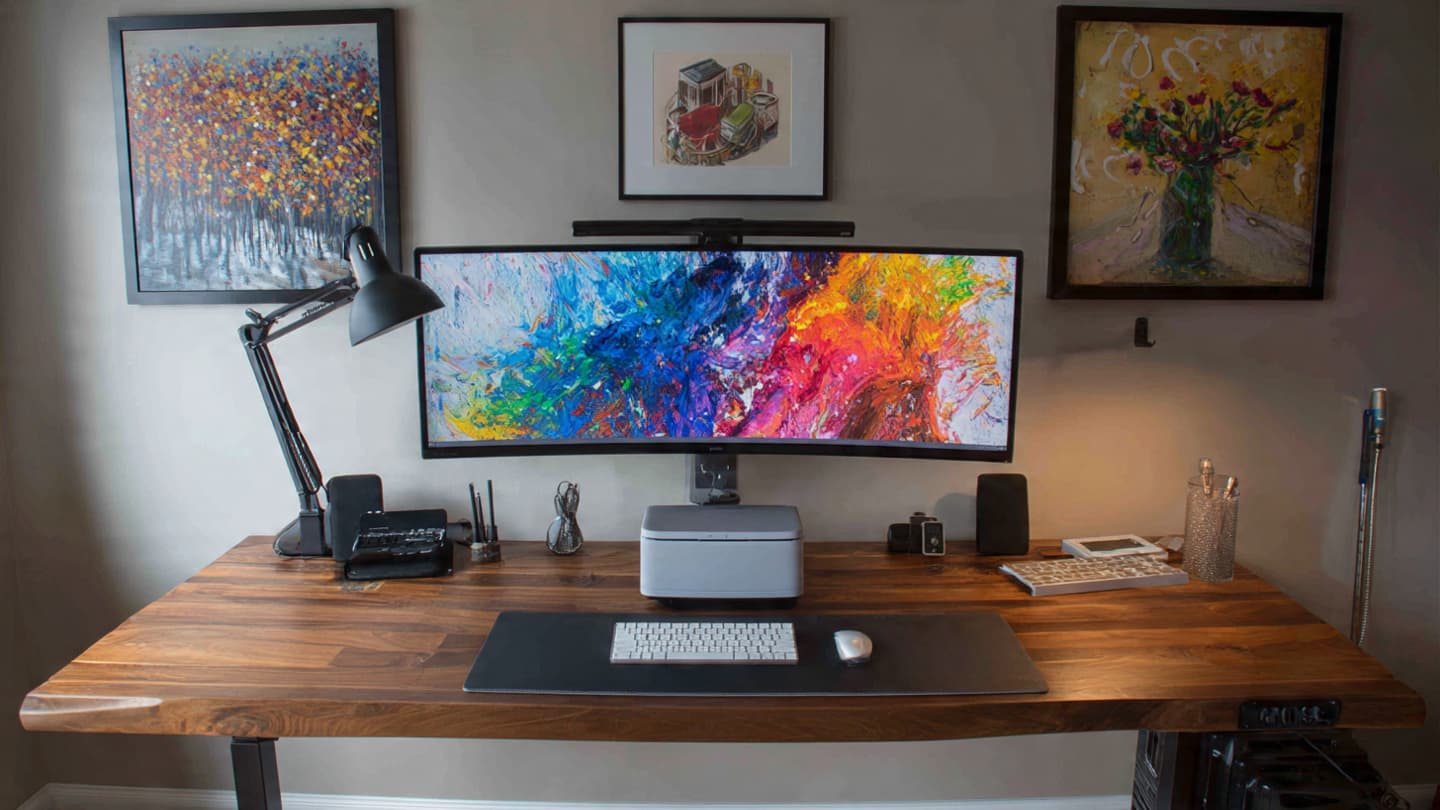
Many accessories hit diminishing returns quickly. A reasonably priced monitor arm or lamp can perform nearly as well as premium versions if it meets weight and adjustability needs.
Save money on décor and accessories — spend it where ergonomics and stability matter.
Smart Spending Summary
- Spend more on: Your chair, desk stability, and monitor setup.
These are the core items that directly affect comfort, posture, and long-term health. A well-built chair with adjustable lumbar support can prevent back pain, while a stable desk ensures monitor arms or multiple screens don’t wobble. Consider adjustable monitor arms or stands to optimize eye level and reduce neck strain. - Save on: Accessories, décor, and basic lighting.
Many budget options perform perfectly fine here — a simple desk lamp, a mouse, or a decorative item often works just as well as high-end versions. Prioritize ergonomics first, aesthetics second. For example, a $20 mouse can be just as responsive as a $60 one for everyday tasks. - Avoid: Prioritizing style over function.
Stylish desks or chairs that compromise ergonomics can create long-term discomfort. Always test comfort and adjustability first — your spine, wrists, and neck will thank you in the long run. Remember, you can always add style later with small décor pieces once your setup is functional.
Pro tip: Start by evaluating what hurts or distracts you the most. If your back hurts after long sessions → upgrade your chair. If your monitors wobble → invest in desk stability. Then, gradually improve accessories and décor for a balanced, productive workspace. Pair this approach with our desk setup mistakes guide and desk ergonomics guide for a complete setup strategy.
Frequently Asked Questions
Related Desk Setup Resources
Budget Office Chairs
A practical guide to affordable chairs that still support posture and comfort — perfect for budget‑focused setups.
Desk Lamps
Explore desk lighting options designed to reduce eye strain and create a glare‑free workspace.
Desk Mice
Find ergonomic and stylish mouse options — including picks perfect for smaller hands and everyday productivity.
Microphone Guide
A comprehensive breakdown of microphones for everything from Zoom calls to streaming and content creation.