Desk Ergonomics & Comfort Guide
How to build a comfortable, healthy desk setup without sacrificing aesthetics.
A great desk setup shouldn’t just look good — it should feel good to use every day. Proper desk ergonomics can reduce neck pain, wrist strain, eye fatigue, and lower-back discomfort during long work or study sessions.
This guide covers practical ergonomics principles that apply to any desk aesthetic, from minimalist and beige setups to warm wood and modern workspaces.
Monitor Height & Distance
Your monitor should be positioned so the top of the screen is at or slightly below eye level. The screen should sit about an arm’s length away to reduce neck strain and eye fatigue.
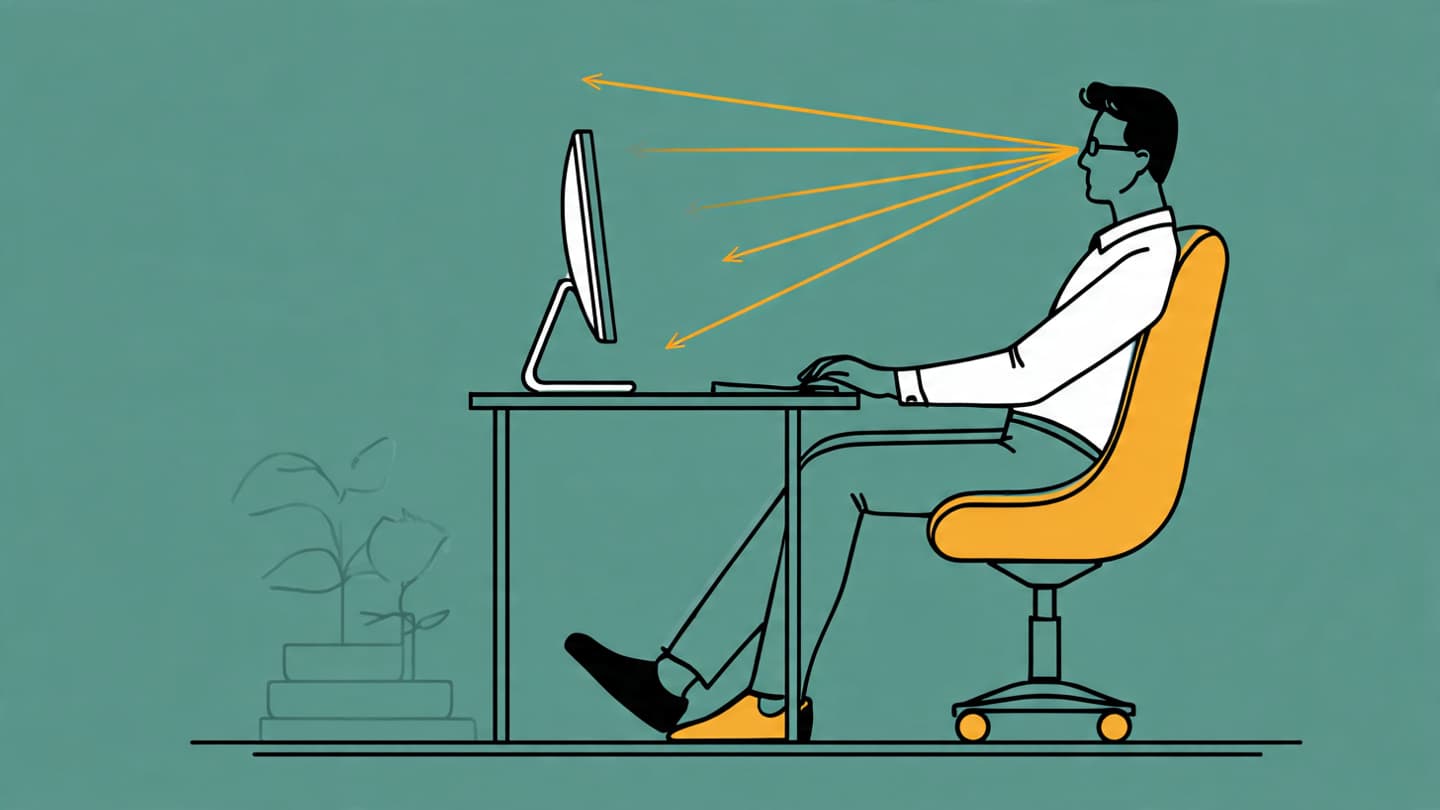
Laptop users often benefit from a riser or monitor stand to achieve proper height without compromising desk aesthetics.
Keyboard & Mouse Positioning
Keep your elbows close to your body and bent at roughly 90 degrees while typing. The keyboard should sit flat or slightly angled to reduce wrist strain.
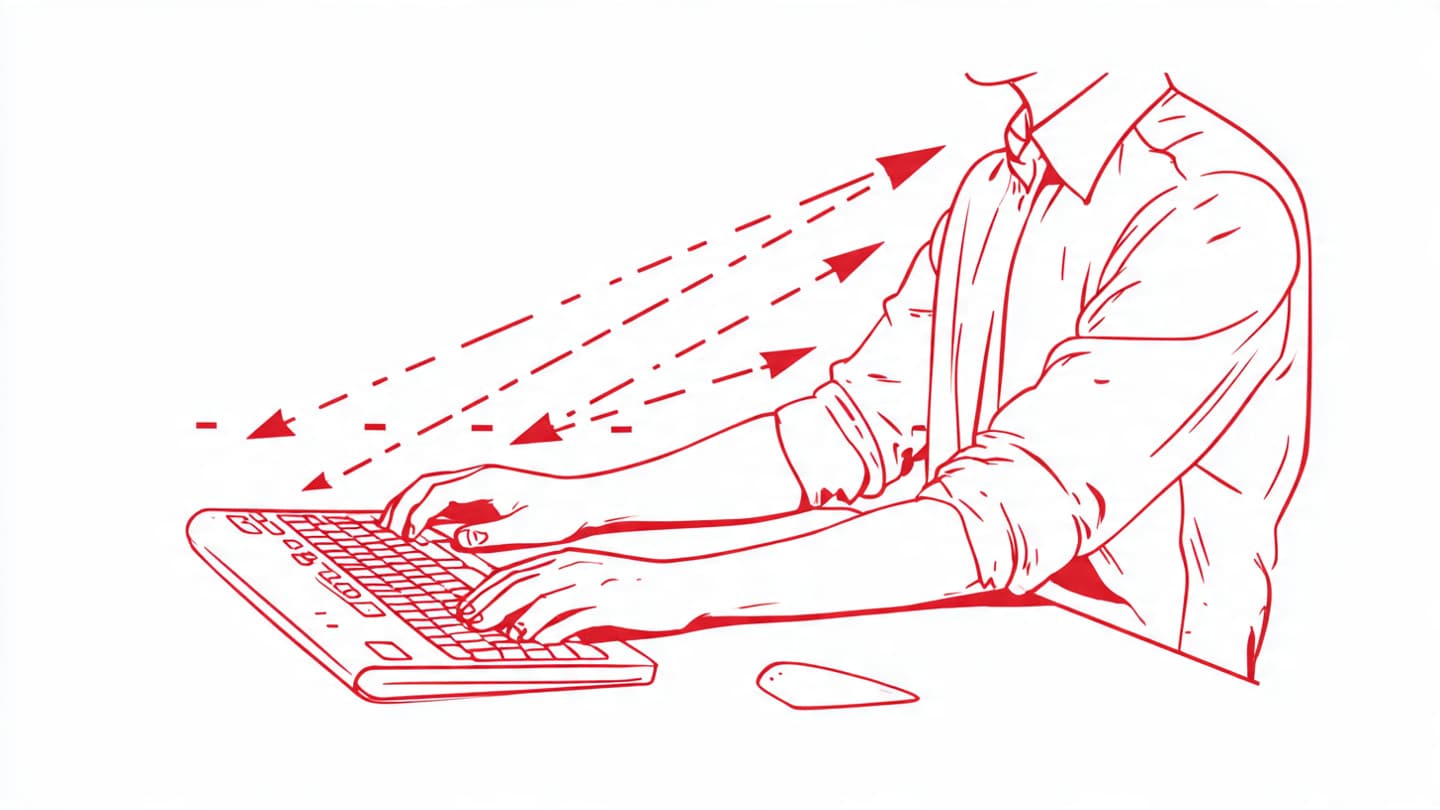
Place your mouse close to the keyboard to avoid unnecessary reaching and shoulder tension.
Chair Height & Sitting Position
Your feet should rest flat on the floor, with thighs roughly parallel to the ground. The desk surface should sit just above thigh level.
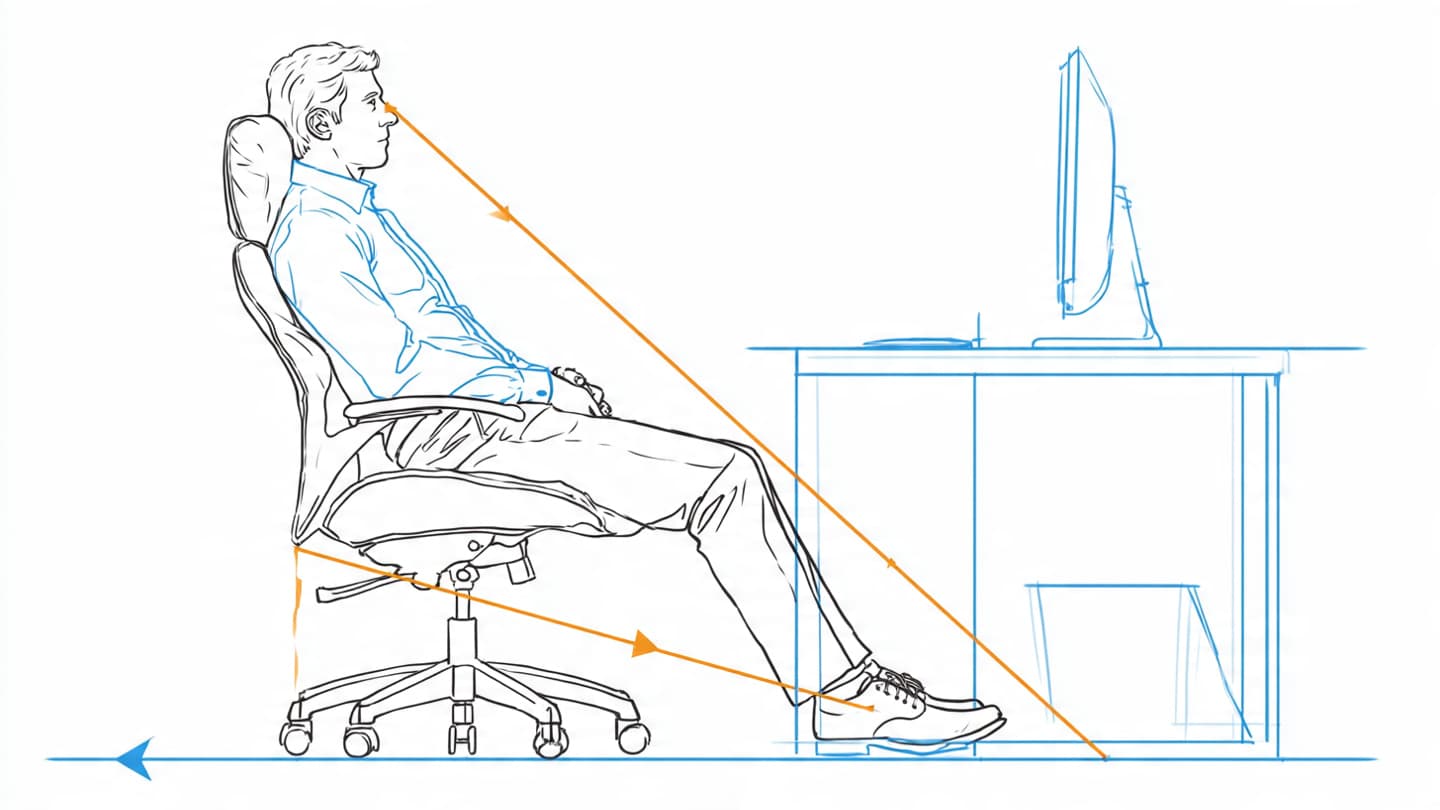
If your desk is too high, a footrest can help maintain proper posture without changing your setup.
Lighting & Eye Comfort
Poor lighting can cause eye strain and fatigue. Avoid glare on your screen by positioning lights to the side rather than directly behind the monitor.
Warm to neutral light (around 2700K–4000K) works well for most desk setups and complements neutral aesthetics.
Quick Desk Ergonomics Checklist
- 1.Monitor positioned at or just below eye level
- 2.Screen about an arm’s length away
- 3.Elbows close to 90 degrees while typing
- 4.Feet flat on the floor or on a footrest
- 5.Keyboard and mouse within easy reach
- 6.Lighting angled to avoid screen glare
Frequently Asked Questions
Some links on this site may earn a small commission at no extra cost to you. We only recommend products that balance comfort, quality, and clean desk aesthetics.